Quickstart
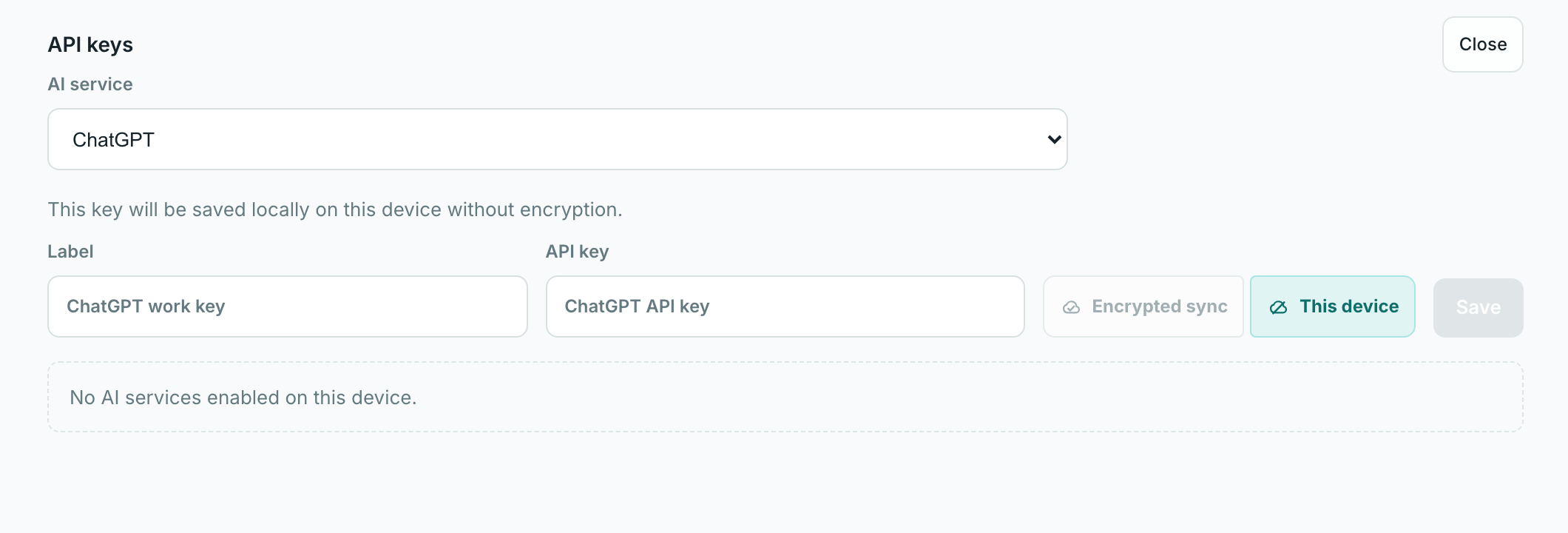
Set up encrypted sync with a Lerix account or add an API key for local-only use on this device.
To use Lerix locally on this device, add an API key without signing in. To use encrypted storage and sync, sign in or create a Lerix account first.
Plan comparison
| Capability | No account | Free account | Pro account |
|---|---|---|---|
| AI service API keys | Yes Local-only on this device. | Yes Available after sign-in. | Yes Available after sign-in. |
| API key storage | Local only Plaintext on this device. | Encrypted Synced across signed-in devices. | Encrypted Synced across signed-in devices. |
| Chat history storage | Local only Only on this device. | Local only Chat and workspace data stay local-only. | Encrypted sync Chats, files, images, and workspace data. |
| Favorite model configs | Local only Only on this device. | Local only Workspace settings stay local-only. | Encrypted sync Model, access path, Intelligence, and Speed. |
| Saved Agents | No Requires a Pro account. | No Requires a Pro account. | Encrypted sync Name, model config, personality, and files. |
| Cloud storage allowance | None No account sync. | Keys only API-key sync only. | 5 GB Encrypted workspace storage. Add-ons appear only when billing supports them. |
| Max synced attachment size | Local only Depends on browser and device limits. | Local only Attachments stay local-only; synced attachments require Pro. | 25 MB Per synced encrypted attachment. |
| Multi-model responses | No Requires a Pro account. | No Requires a Pro account. | Included Compare responses from connected model configurations. |
| Codex Relay | No Requires a Pro account. | No Requires a Pro account. | Included Same-account desktop relay workflows that support it. |
| Price | Free No Lerix account. | Free Lerix account included. | $6/mo $49/yr. |
+ applicable tax.
Start without an account
No-account mode keeps API keys, chats, and model defaults local only on this device. Sign in before saving a key when you want encrypted API-key sync.
Start with an account
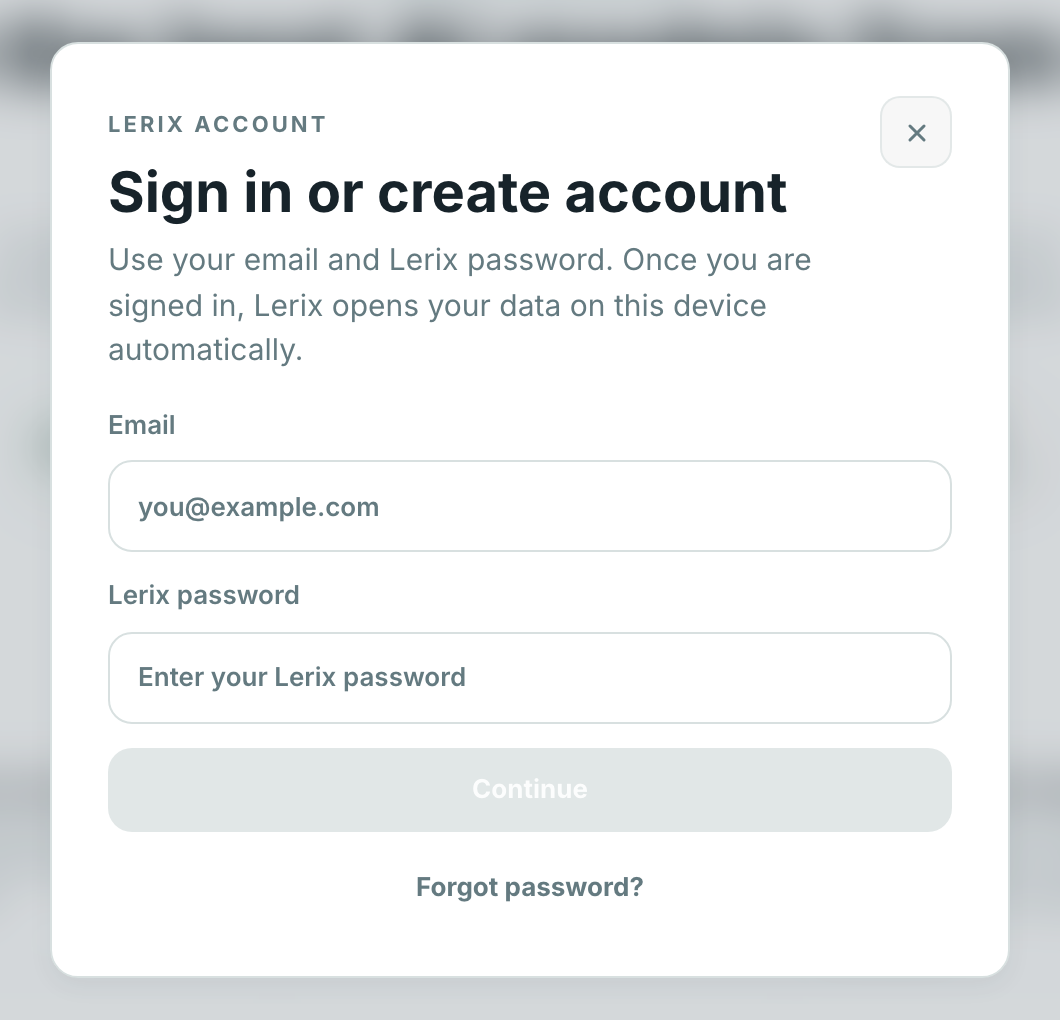
A Lerix account uses your email and Lerix password for account sign-in and encrypted account data access. Free accounts sync API keys; Pro accounts sync chats, files, images, and workspace data.
Save your recovery key. When you create an encrypted workspace, Lerix shows the recovery key once. If you lose both your Lerix password and recovery key, Lerix cannot decrypt or recover your synced chats, files, images, workspace data, or API keys.
Mac app
Lerix is also available as a Mac app. Use Download Mac app to install it, or open Settings in the web app and choose Download Mac app when that action appears.
The Mac app is required for Codex auth and Codex Relay, because those features use a desktop-local Codex session.
The Mac app also includes Quick Composer for starting a prompt from a compact always-on-top composer window.
Next steps
- API key setup: connect ChatGPT, Claude, Google, Grok, or OpenRouter with an API key.
- Codex: enable Codex auth in the Mac app and relay supported Codex models on Pro.
- E2EE: understand local-only storage, encrypted sync, and temporary chats.